
การปรับแต่งการทำงานด้วย Canvases ใน GitHub Copilot Customizing Workflows with Canvases in GitHub Copilot
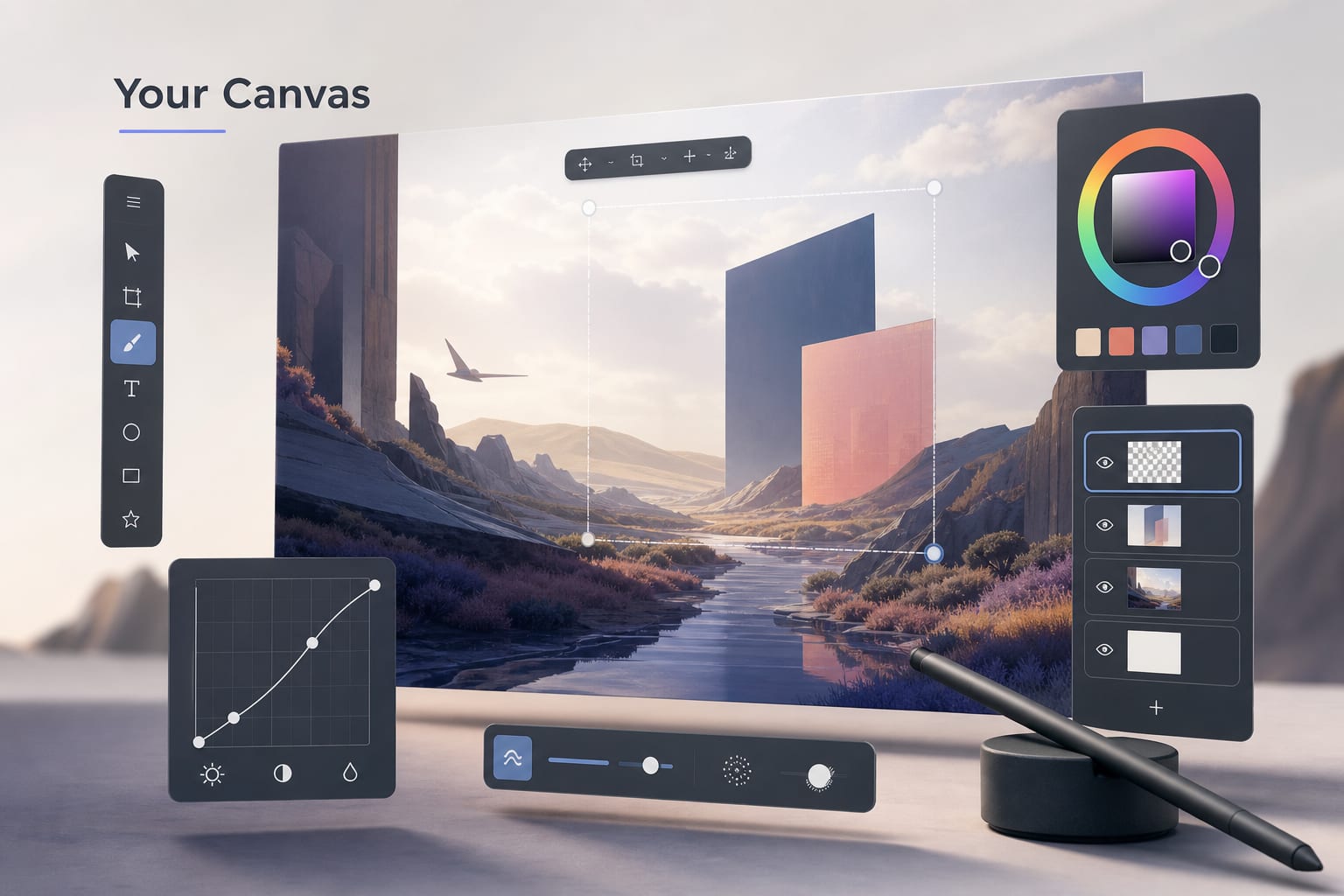
GitHub เปิดตัว Canvases ใน Copilot ช่วยผู้ใช้สร้างและปรับเวิร์กโฟลว์ที่สะดวกขึ้น
GitHub's Canvases in Copilot app let users create custom, flexible workflows with AI collaboration.
ภาพรวม
GitHub ได้เปิดตัวฟีเจอร์ใหม่สำหรับแอป GitHub Copilot ที่เรียกว่า Canvases ซึ่งเปลี่ยนวิธีการที่ผู้ใช้สามารถสร้างเวิร์กโฟลว์ที่เหมาะสมตามต้องการได้ โดยให้ผู้ใช้สามารถออกแบบUI ที่ใช้ร่วมกับ AI Agent ซึ่งสามารถเป็นได้ตั้งแต่บอร์ดการทำงานแบบ kanban ไปจนถึงสเปรดชีต
เบื้องหลัง
GitHub Copilot เป็นผลิตภัณฑ์ของ GitHub บริษัทในเครือของ Microsoft พัฒนาด้วยข้อความแนะนำจาก AI เพื่อช่วยพัฒนาซอฟต์แวร์ Copilot ได้รับการพัฒนาขึ้นในภาษาต่างๆ โดยส่วนใหญ่เป็น JavaScript และ Python เปิดให้บริการในรูปแบบบริการเชิงพาณิชย์ที่ต้องมีค่าสมัครใช้งาน
ความสำคัญและประโยชน์
ในมุมของการพัฒนา Canvases ถือเป็นการเปิดโอกาสให้ผู้พัฒนาได้ปรับแต่งเครื่องมือที่จะรองรับเวิร์กโฟลว์ที่หลากหลายจึงเหมาะกับทีมพัฒนาที่ต้องการเครื่องมือปรับแต่งตามสไตล์การทำงานของตนเอง เพิ่มความสามารถในการทำงานพร้อมกันระหว่างผู้ใช้และ AI Agent ซึ่งช่วยลดเวลาในการปรับตัวเข้ากับเครื่องมือที่มีอยู่
ผู้ที่ได้รับผลกระทบ
ผู้พัฒนาและทีมงานที่จะได้ประโยชน์จากฟีเจอร์ใหม่นี้คือกลุ่มที่มีความต้องการเวิร์กโฟลว์ที่ยืดหยุ่น สะดวกต่อการปรับเปลี่ยน และสามารถทำงานได้พร้อมกัน ผู้ใช้ GitHub Copilot ที่ต้องการลดขั้นตอนที่ซับซ้อนในกระบวนการพัฒนาซอฟต์แวร์
ความเสี่ยงและข้อจำกัด
มองว่าการมีเวิร์กโฟลว์ที่ปรับแต่งได้อาจท้าทายสำหรับผู้ที่ไม่คุ้นเคยกับการออกแบบ UI เอง และการพึ่งพา AI ในการจัดการเวิร์กโฟลว์อาจเกิดข้อผิดพลาดหรือการตอบสนองที่ไม่ตรงคาดหวังได้
สิ่งที่น่าจับตามองต่อไป
ในอีกไม่กี่เดือนข้างหน้า การตอบรับจากชุมชนผู้ใช้ GitHub Copilot และการพัฒนาเพิ่มเติมของฟีเจอร์ Canvases จะน่าสนใจ รวมถึงการเปิดตัวฟังก์ชันใหม่ๆ หรือการปรับปรุงการทำงานร่วมกับ AI Agent ที่จะช่วยให้การใช้งานสะดวกยิ่งขึ้น
ที่มา: GitHub Blog — AI & ML — https://github.blog/ai-and-ml/github-copilot/github-copilot-app-for-beginners-how-to-build-custom-workflows-with-canvases/
Overview
GitHub has introduced a new feature for the GitHub Copilot app known as Canvases which transforms how users can craft custom workflows. This feature empowers users to design a UI that works with an AI Agent, creating anything from a kanban board to a dynamic spreadsheet.
Background
GitHub Copilot is a GitHub product and a subsidiary under Microsoft that enhances software development with AI-driven code suggestions. Copilot is developed in languages like JavaScript and Python and is offered as a commercial subscription service.
Importance and Benefits
From a development perspective, Canvases offers the flexibility to craft tools that support varied workflows, making it ideal for development teams seeking customized workflow tools tailored to their working styles. It enhances the collaboration between users and the AI Agent, thereby minimizing the time needed to adapt to conventional tools.
Who It Affects
Developers and teams stand to benefit from this new feature, especially those in need of flexible, adaptive workflows that can be modified on the fly. GitHub Copilot users looking to streamline cumbersome steps in software development processes will find it particularly valuable.
Risks and Limitations
There might be challenges for users unfamiliar with designing UI from scratch, and reliance on AI to manage workflows may lead to unanticipated errors or suboptimal responses.
What to Watch Next
In the upcoming months, the community's response to the GitHub Copilot and the further development of the Canvases feature will be noteworthy. Additionally, the introduction of new functionalities or enhancements to facilitate better integration with the AI Agent will be crucial for improving user experience.
Source: GitHub Blog — AI & ML — https://github.blog/ai-and-ml/github-copilot/github-copilot-app-for-beginners-how-to-build-custom-workflows-with-canvases/
ที่มา:Source: github.blog/ai-and-ml/github-copilot/github-copilot-app-for-
เกี่ยวกับผู้เผยแพร่About the publisher
- ผู้เขียนAuthor
- Oneable Team
- บริษัทCompany
- Oneable — AI-Powered Software Development Agency
- ความเชี่ยวชาญExpertise
- LLM & RAG, AI Agent, Web/Mobile, MLOps
- ติดต่อContact
- www.oneable.co.th/contact
บทความที่เกี่ยวข้องRelated articles
ใช้ตัวแทนหลายชุดพร้อมกันใน GitHub Copilot Master Multiple Agents in GitHub Copilot for Efficient Coding

การเพิ่มประสิทธิภาพการทดสอบด้วย AI จาก GitHub Optimizing Testing with AI from GitHub

Meta Muse: เอเจนต์ที่ลงมือทำงานแทน และสถาปัตยกรรมที่อยู่เบื้องหลัง Meta Muse: the agent that acts for you, and the architecture behind it

เริ่มใช้งาน GitHub Copilot: สำรวจการใช้งานอย่างเต็มรูปแบบ Master GitHub Copilot: An In-Depth Guide for Beginners

การตลาดอัตโนมัติกับโค้ด: ปรับแผนงานอย่างมีประสิทธิภาพ Automating Marketing Events with Code: A Full Analysis

แนวคิดร้อนแรงในเอไอที่ต้องพิจารณา Debunking Hot AI Takes: An In-Depth Analysis
