
เพิ่มความเร็วในการพัฒนาด้วย Kiro CLI Boost Development Speed with Kiro CLI
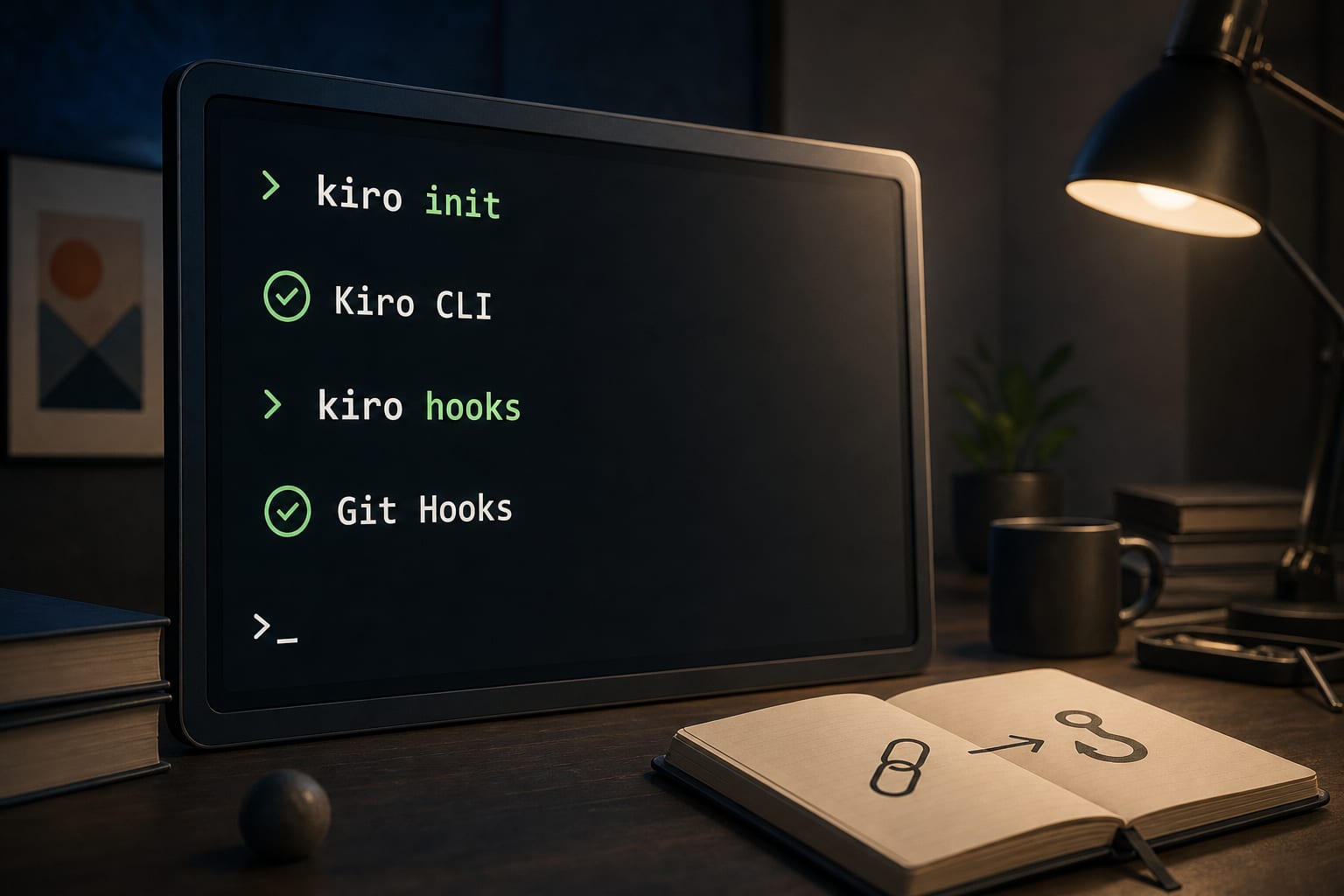
เพิ่มความเร็วการพัฒนาซอฟต์แวร์ด้วย Kiro CLI ร่วมกับ Git hooks.
Boost software development speed with Kiro CLI integrated with Git hooks.
<h3>เริ่มต้นกับ Kiro CLI</h3>
ในยุคของการพัฒนาซอฟต์แวร์ที่รวดเร็ว การตรวจสอบโค้ดที่ถูกต้องและทันเวลากลายเป็นสิ่งสำคัญ Kiro CLI เป็นเครื่องมือหนึ่งที่นำคุณค่ามาให้นักพัฒนาในการจับปัญหาก่อนที่โค้ดจะเข้าสู่ระบบหลัก ด้วยการใช้ Kiro CLI ร่วมกับ Git hooks เช่น pre-commit และ pre-push นักพัฒนาสามารถวิเคราะห์โค้ดได้ตั้งแต่ช่วงแรกที่พวกเขาเขียน
<h4>การติดตั้งและการใช้งาน Kiro CLI</h4>
การติดตั้ง Kiro CLI นั้นสามารถทำได้ง่าย ๆ โดยการรันคำสั่ง curl -fsSL https://kiro.dev/install.sh | bash และตั้งค่า KIRO_API_KEY ซึ่งเป็นกุญแจสำคัญที่ใช้ในการระบุผู้ใช้กับระบบ เพื่อให้การทำงานของ Git hooks ทาง Kiro CLI สามารถดำเนินการได้อย่างราบรื่น
<h3>การประยุกต์ใช้ Git Hooks</h3>
การใช้ Git hooks เช่น pre-commit ถือเป็นการเริ่มต้นที่ดีในการตรวจสอบความปลอดภัยในโค้ด การใส่โค้ดที่อาจมีช่องโหว่ลงใน repository หลักอาจทำให้เกิดปัญหาใหญ่ในอนาคต ด้วยการใช้ pre-commit hook Kiro CLI จะตรวจสอบโค้ดที่นักพัฒนาจะ commit หากพบปัญหาความปลอดภัย โค้ดนั้นจะถูกบล็อก
<h4>ตัวอย่างการใช้งาน</h4>
ตัวอย่างการใช้ Pre-commit hook คือเมื่อมีการ commit โค้ดที่มี API key Kiro CLI จะสามารถตรวจจับได้และบล็อกไม่ให้ commit นั้นผ่านเข้าสู่ระบบ
#### ขั้นตอนการตั้งค่า
นักพัฒนาควรสร้างไฟล์ .git/hooks/pre-commit และแทรกโค้ดที่ใช้ Kiro CLI เพื่อวิเคราะห์การเปลี่ยนแปลงที่ถูก commit
<pre><code class="language-bash">#!/bin/bash
set -e
export KIRO_API_KEY=your_api_key_here
if [ -z "$KIRO_API_KEY" ]; then
echo "⚠️ KIRO_API_KEY not set. Skipping Kiro pre-commit analysis."
exit 0
fi
STAGED_FILES=$(git diff --cached --name-only --diff-filter=AMR)
if [ -z "$STAGED_FILES" ]; then
echo "No staged files to analyze."
exit 0
fi
DIFF_CONTENT=$(git diff --cached)
echo "???? Kiro CLI: Analyzing $(echo "$STAGED_FILES" | wc -l | tr -d ' ') staged file(s)..."
RESULT=$(timeout 30 kiro-cli chat --no-interactive "You are a pre-commit code reviewer. Analyze ONLY the following staged changes for critical issues that should block this commit.
STAGED FILES:$STAGED_FILES
DIFF:$DIFF_CONTENT
Check for: ...") || {
EXIT_CODE=$?
if [ $EXIT_CODE -eq 124 ]; then
echo "⚠️ Kiro CLI timed out (network issue?). Allowing commit."
exit 0
fi
echo "⚠️ Kiro CLI returned an error. Allowing commit."
exit 0
}
if echo "$RESULT" | grep -q "BLOCK:"; then
echo "❌ Commit blocked by Kiro CLI. Fix the issues above and try again."
exit 1
fi
echo "✅ Kiro CLI pre-commit check passed."
exit 0</code></pre>
<h3>เบื้องหลัง Kiro CLI</h3>
Kiro CLI เป็นเครื่องมือที่พัฒนาโดยทีมงานผู้เชี่ยวชาญด้าน DevOps ซึ่งมุ่งเน้นในการพัฒนาเครื่องมือที่ช่วยให้การตรวจสอบโค้ดในแต่ละขั้นตอนของกระบวนการพัฒนาเป็นไปอย่างรวดเร็วและมีประสิทธิภาพ Kiro CLI รองรับการทำงานในหลายแพลตฟอร์มไม่ว่าจะเป็น GitHub หรือ GitLab
Kiro CLI มีพื้นฐานการทำงานโดยใช้การรับรองตัวตนแบบไร้ส่วนหัว (headless authentication) ทำให้สามารถทำงานได้ในทุกบริบท ซึ่งเป็นประโยชน์อย่างมากในการใช้ร่วมกับ Git hooks ที่ทำงานแบบไม่มีปฏิสัมพันธ์กับผู้ใช้โดยตรง
ที่มา: AWS DevOps Blog — https://aws.amazon.com/blogs/devops/accelerating-development-workflows-with-kiro-cli-as-a-pre-commit-and-git-hook-agent/
<h3>Getting Started with Kiro CLI</h3>
In the fast-paced world of software development, prompt and accurate code reviews are essential. Kiro CLI brings immense value by enabling developers to catch issues before the code enters the main system. Utilizing Kiro CLI with Git hooks, such as pre-commit and pre-push, allows developers to analyze their code from the earliest stages.
<h4>Installation and Setup</h4>
Installing Kiro CLI is straightforward: run curl -fsSL https://kiro.dev/install.sh | bash and set your KIRO_API_KEY, which identifies you to the system, ensuring smooth operations of the Git hooks with Kiro CLI.
<h3>Implementing Git Hooks</h3>
Using Git hooks, like pre-commit, is a great start to ensuring code security. Introducing potentially vulnerable code into the main repository can lead to major issues down the line. With a pre-commit hook, Kiro CLI reviews code that developers commit, blocking it if security issues are found.
<h4>Usage Examples</h4>
An example of utilizing the Pre-commit hook is when a commit contains an API key, Kiro CLI can detect and block that commit from entering the system.
#### Setup Steps
Developers should create a .git/hooks/pre-commit file and insert the code to use Kiro CLI for analyzing the changes being committed.
<pre><code class="language-bash">#!/bin/bash
set -e
export KIRO_API_KEY=your_api_key_here
if [ -z "$KIRO_API_KEY" ]; then
echo "⚠️ KIRO_API_KEY not set. Skipping Kiro pre-commit analysis."
exit 0
fi
STAGED_FILES=$(git diff --cached --name-only --diff-filter=AMR)
if [ -z "$STAGED_FILES" ]; then
echo "No staged files to analyze."
exit 0
fi
DIFF_CONTENT=$(git diff --cached)
echo "???? Kiro CLI: Analyzing $(echo "$STAGED_FILES" | wc -l | tr -d ' ') staged file(s)..."
RESULT=$(timeout 30 kiro-cli chat --no-interactive "You are a pre-commit code reviewer. Analyze ONLY the following staged changes for critical issues that should block this commit.
STAGED FILES:$STAGED_FILES
DIFF:$DIFF_CONTENT
Check for: ...") || {
EXIT_CODE=$?
if [ $EXIT_CODE -eq 124 ]; then
echo "⚠️ Kiro CLI timed out (network issue?). Allowing commit."
exit 0
fi
echo "⚠️ Kiro CLI returned an error. Allowing commit."
exit 0
}
if echo "$RESULT" | grep -q "BLOCK:"; then
echo "❌ Commit blocked by Kiro CLI. Fix the issues above and try again."
exit 1
fi
echo "✅ Kiro CLI pre-commit check passed."
exit 0</code></pre>
<h3>Background on Kiro CLI</h3>
Kiro CLI is developed by a team of DevOps experts focused on creating tools that enhance code review speed and effectiveness at each stage of the development pipeline. Kiro CLI supports multiple platforms, including GitHub and GitLab, making it versatile and widely applicable.
Kiro CLI's foundation is built on headless authentication, allowing it to operate seamlessly in any context, which is particularly beneficial when integrated with non-interactive Git hooks.
Source: AWS DevOps Blog — https://aws.amazon.com/blogs/devops/accelerating-development-workflows-with-kiro-cli-as-a-pre-commit-and-git-hook-agent/
ที่มา:Source: aws.amazon.com/blogs/devops/accelerating-development-workflo
เกี่ยวกับผู้เผยแพร่About the publisher
- ผู้เขียนAuthor
- Oneable Team
- บริษัทCompany
- Oneable — AI-Powered Software Development Agency
- ความเชี่ยวชาญExpertise
- LLM & RAG, AI Agent, Web/Mobile, MLOps
- ติดต่อContact
- www.oneable.co.th/contact
บทความที่เกี่ยวข้องRelated articles
AI เพิ่งสร้างทรัพยากรในคลาวด์ ใครคือเจ้าของ? AI-Provisioned Cloud Resources: Ownership Dilemma

ความหมายของอัตโนมัติที่ลึกซึ้งในเหตุการณ์ของ Property Finder Unpacking Automation in Property Finder's Incident Management

chDB Durable Layer: ความจำเอเจนต์ที่ฟื้นกลับได้ chDB Durable Layer: Reviving Agent Memory

การตรวจจับการรั่วไหลของเป้าหมายในชุดข้อมูลสาธารณะ Detecting Target Leakage in Public Datasets

เร่งวงจรทดลองด้วย Kiro, AWS DevOps Agent, และ LaunchDarkly Accelerate Experimentation Cycle with Kiro, AWS DevOps Agent, and LaunchDarkly

SuperSplat: เครื่องมือแก้ไข 3D Gaussian Splat ออนไลน์ SuperSplat: Edit 3D Gaussian Splats in Your Browser
